Simple Steps
How to Donate
bKash / Nagad / Rocket
Make Payment to
01755-632244
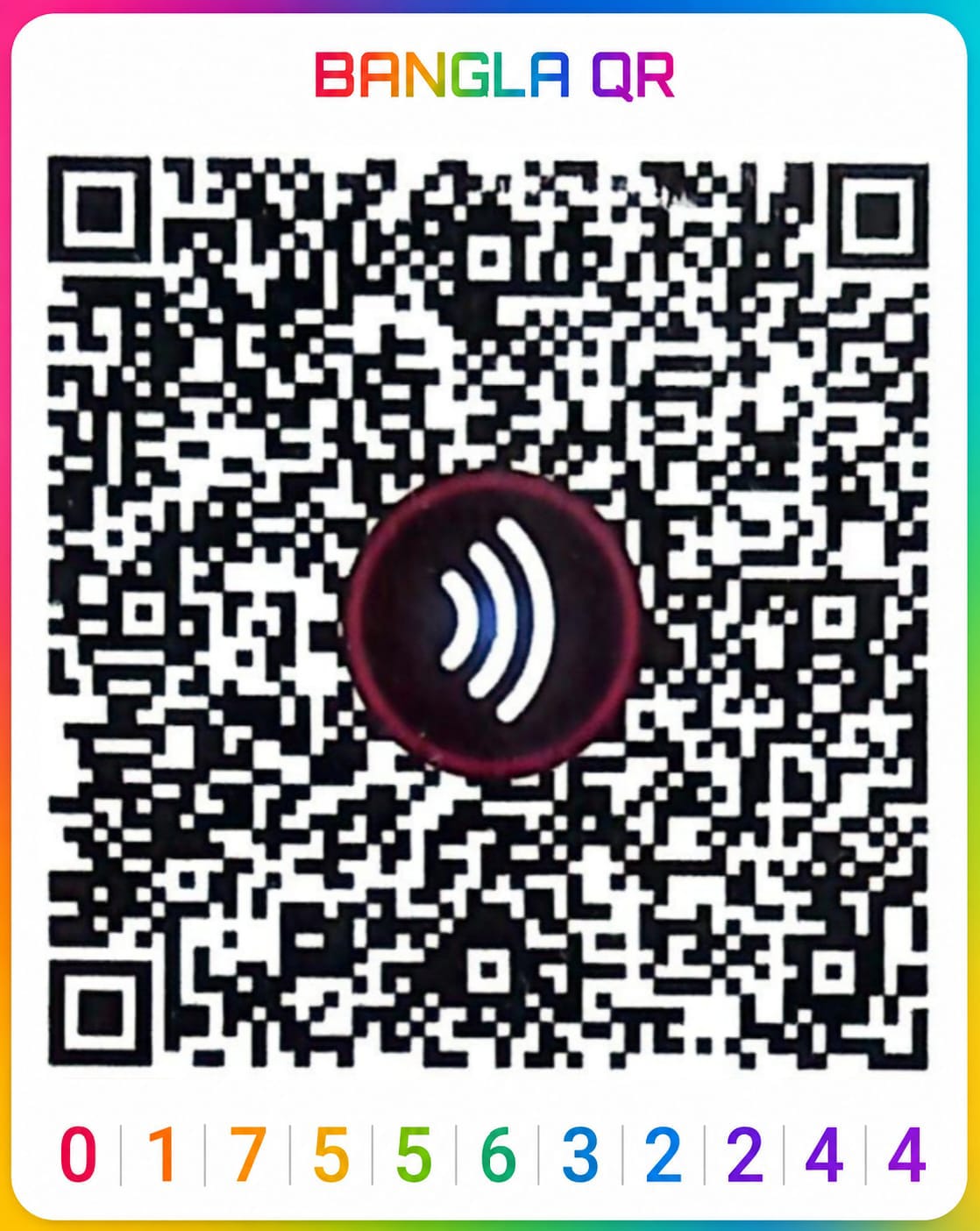
Scan QR code or use manual method:
- Open app and select 'Scan'
- Scan the QR code above
- Enter amount and confirm with PIN
Bank Transfer
Al-Arafah Islami Bank Ltd., Joydevpur, Gazipur Branch
General Fund
Jamiatul Mansur Bangladesh
Account No.: 0761120115714
Lillah Fund
Jamiatul Mansur Bangladesh
Account No.: 0761120115725
Online Payment
Make a secure online payment via SSLCommerz gateway.